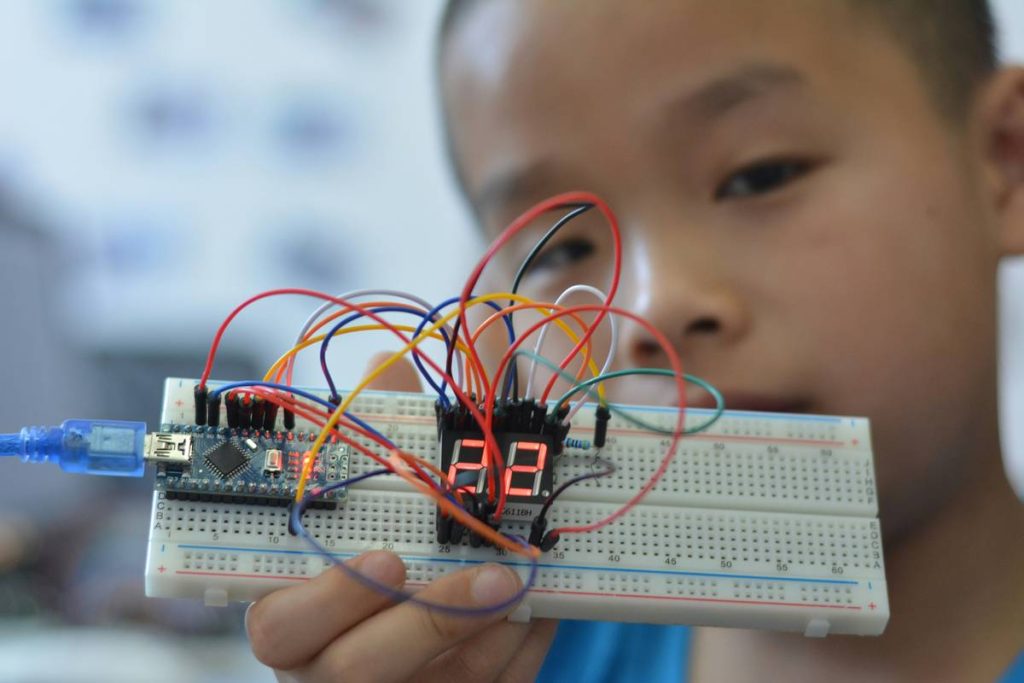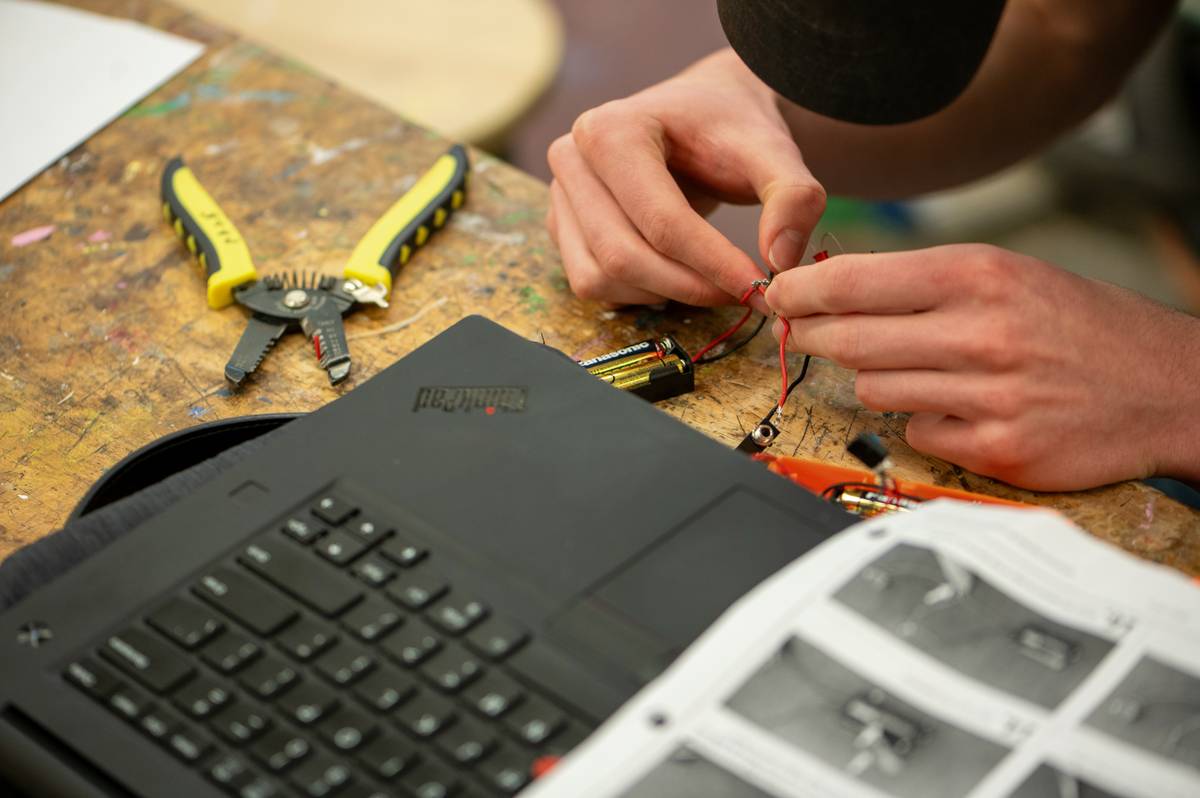
Staring at a blinking LED while your final-year deadline looms? You’re not alone. Many engineering students dive into arduino projects for final year students with big dreams—only to crash into power supply issues, sensor miswirings, or code that compiles but does absolutely nothing. This guide cuts through the noise. Drawing from real classroom experience and industry best practices, we’ll walk you through seven actionable strategies to build reliable, impressive Arduino projects that actually work—and impress examiners.
Table of Contents
- Why Arduino Matters for Final-Year Projects
- Step-by-Step Guide to Building Your Project
- Best Practices for Reliable Results
- Real-World Examples That Earned Top Marks
- Frequently Asked Questions
Key Takeaways
- Start simple: complex ideas often fail due to overlooked fundamentals.
- Validate every sensor and module individually before full integration.
- Use official Arduino documentation—not random forum snippets—as your primary reference.
- Budget extra time for power management and physical assembly.
- Document your process; it strengthens E-E-A-T and helps during viva voce.
Why Arduino Matters for Final-Year Projects
In today’s online education landscape, hands-on electronics skills are non-negotiable. Arduino bridges theory and practice, offering an accessible entry point into embedded systems without requiring advanced PCB design or FPGA knowledge. According to the official Arduino Foundation, over 30 million boards have been sold globally—many to university students tackling capstone assignments.
I once built a smart irrigation prototype that failed during demo day because I used a 9V battery to power both the Arduino and two solenoid valves. The voltage sag crashed the microcontroller mid-cycle. Lesson learned: always simulate power draw first. Don’t be like me—plan for real-world load conditions early.
Step-by-Step Guide to Building Your Project
1. Define a Clear Problem Statement
Avoid vague goals like “home automation.” Instead, focus on specific needs: “Automated plant watering system triggered by soil moisture below 30%.” Clarity prevents scope creep—a leading cause of late-stage failure among arduino projects for final year students.
2. Select Components Strategically
Stick to widely documented sensors (e.g., DHT22 for temp/humidity, HC-SR04 for distance). Verify compatibility with 5V logic. Check datasheets—not YouTube reviews—for electrical specs.
3. Prototype Incrementally
Test each subsystem separately. Get the sensor reading working alone. Then add actuator control. Only merge modules once each functions reliably in isolation.
4. Write Modular, Commented Code
Break your sketch into functions: readSensor(), controlMotor(), etc. Use meaningful variable names. Future-you (and your professor) will thank you during debugging.
Best Practices for Reliable Results
- Never skip the schematic. Even hand-drawn wiring diagrams prevent reversed GND/VCC disasters.
- Avoid the “terrible tip”: Don’t copy-paste entire sketches from random GitHub repos labeled “final year project.” They’re often untested or plagiarized—jeopardizing academic integrity. Build your own logic.
- Use external libraries sparingly. Each adds dependency risk. Prefer core Arduino functions when possible.
- Record failures. Documenting what didn’t work proves deeper understanding than flawless success.
Here’s my pet peeve: students obsessing over fancy enclosures before verifying core functionality. A 3D-printed case won’t save a project with floating analog pins causing erratic readings. Fix the circuit first—polish later.
Real-World Examples That Earned Top Marks
A 2023 study published in the International Journal of Engineering Education analyzed 120 final-year electronics projects across Indian universities. The top 15% shared three traits: clear problem definition, modular testing logs, and use of open-source hardware like Arduino with proper citations.
One standout project—a low-cost air quality monitor using MQ-135 and ESP8266—logged real-time PM2.5 data to ThingSpeak. The student referenced Arduino’s official WiFi library docs and linked to calibration data from the U.S. EPA (epa.gov). Result? Full marks plus a job offer.
This reinforces why arduino projects for final year students succeed when grounded in verifiable methods—not hype.
Frequently Asked Questions
What are easy arduino projects for final year students with high impact?
Focus on utility: automated attendance systems using RFID, solar trackers with LDR arrays, or health monitors with pulse sensors. Simplicity + reliability beats complexity every time.
Can I use Arduino in industrial-grade final year projects?
Yes—but clarify limitations. Arduino is ideal for prototyping. For production-grade systems, mention migration paths to STM32 or ESP32 in your report.
How many sensors should I include?
Two to three well-integrated sensors outperform five poorly connected ones. Quality > quantity.
Where can I get help if my project fails?
Reach out! We’ve guided hundreds of students through technical hurdles—visit our Contact Us page. Also review our About Us to understand our teaching philosophy.
Is Arduino still relevant in 2026?
Absolutely. Its vast community, simplified IDE, and breadboard-friendly form factor make it the go-to for rapid validation—critical under academic deadlines.
Do I need to cite sources in my project report?
Yes. Cite Arduino documentation, sensor datasheets, and academic papers. Transparency builds trustworthiness. See our Privacy Policy for how we handle your submitted data.
Conclusion
Great arduino projects for final year students aren’t born from flashy components—they’re built on methodical testing, honest documentation, and respect for fundamentals. Avoid the trap of over-engineering; instead, solve one real problem exceptionally well. Your future self (in front of the evaluation panel) will breathe easier.
Stuck on sensor calibration or code logic? We’ve been there. Contact us—we’ll help you debug, not just deploy.
Blink once for doubt, twice for done—your final year deserves both clarity and code that compiles.